What if I told you that the flight search method that you’re using right now is costing you hundreds of dollars every single time you travel? Most people overlook underrated strategies when using Google Flights to find cheap flights. As a result, you’re probably not seeing the cheapest options available.
If you have ever traveled pretty much anywhere, then chances are you are familiar with Google Flights. But this free service is actually a powerful travel search tool that has so many hidden features that most people just don’t know about. They are leaving hundreds or thousands of dollars in savings on the table as a result.
Today, we are going to do a deep dive into Google Flights so that you can learn how to use it like a pro. Is Google Flights reliable? Absolutely—but only if you know how to navigate its secrets.
The “Explore” Tab: Let the Deal Decide the Destination
The first Google Flights trick is a little bit counterintuitive because you’re not going to actually search for your final destination. For the sake of example, let’s say that you want to go from Chicago to Venice, Italy, for a vacation in the summer.

Instead of putting in your exact destination, you will want to go and put in your home airport and then hit the Explore tab up at the top. Instead of putting in Venice, we are going to put “Europe”—the whole continent of Europe.
Something we frequently say is “let the deal decide the destination,” and this explore menu is going to help you do just that. If you are flexible on the destination, instead of entering a specific airport, you can enter cities, countries, regions, or entire continents if you really want to.
Positioning Flights: A Major Money Saver
You can also do this with your departure locations, which can help you save a ton of cash by using what’s called positioning flights.
For example, looking at that Chicago to Venice trip:
If you search directly, the price might be $563 for a one-way ticket. But if you search for the whole continent, you can see very quickly that London is the outlier here. It is way cheaper—perhaps $216. If you were to fly from Chicago to London, then you could buy another budget airline cheap flight and get all the way to Venice.
To get to London, we have $216. And now to go from London to Venice, it looks like it’s $72. That is still several hundred less than $563.
If you usually fly out of JFK, try typing in “New York City” instead. It will give you all three major airports in that area. Or, if you truly want to take advantage of positioning flights, you can hit the little plus icon and add another nearby airport like Boston, Philadelphia, or Washington Dulles.
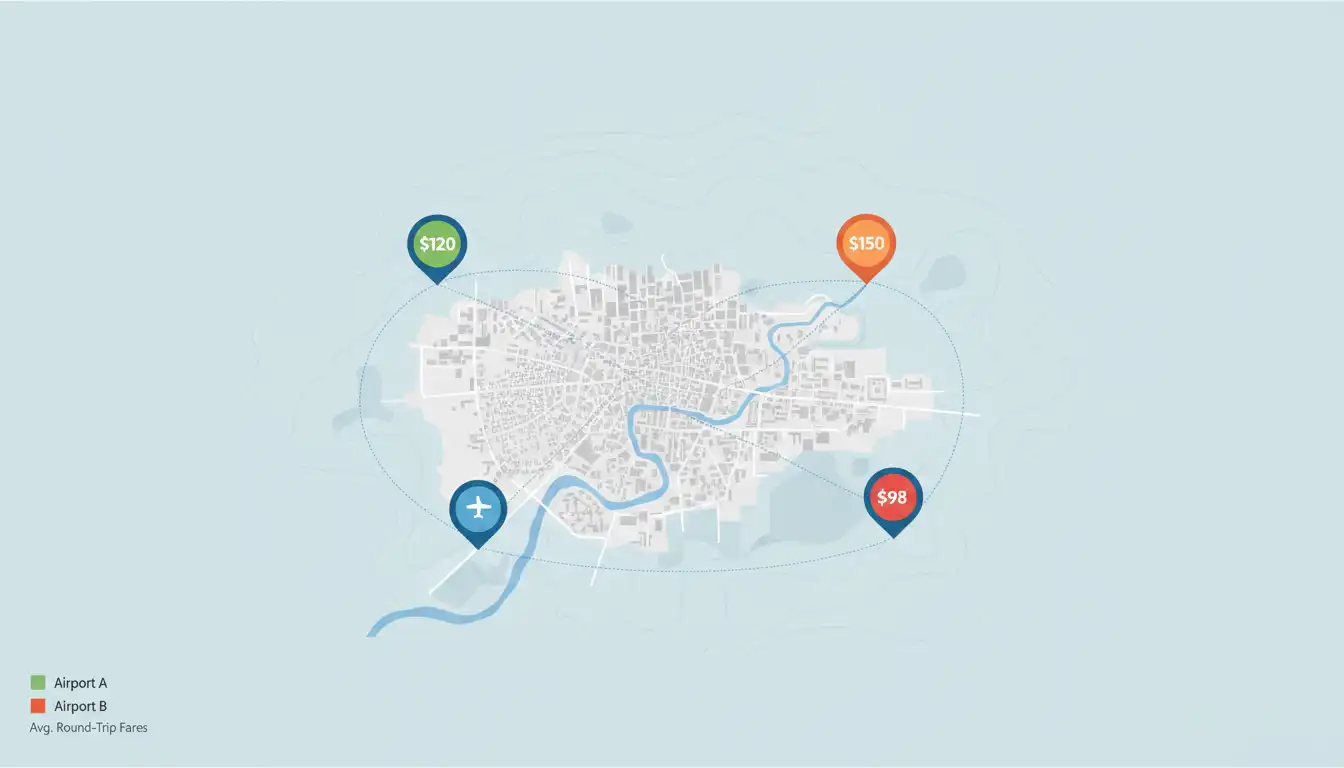
Sure, you might have to spend maybe a hundred dollars on a cheap positioning flight or drive a little bit further to get to that alternate airport. But if that means you end up saving hundreds of dollars and getting a better flight option, that is well worth it.
If you are looking for exotic destinations, you might wonder, can I fly to the Bahamas using this method? The answer is often yes—leaving your destination empty and letting the explore menu show you prices for locations all over the world is the best way to start.
The Luggage Factor: Don’t Let Baggage Fees Ruin Your Deal
One of the most critical aspects of determining if a flight is actually “cheap” is the luggage. We need to cover this in detail because it is where most travelers get caught off guard.
In our example of flying from London to Venice for $72, there is one caveat: It is $72, but it is without luggage. You have to pay a little bit extra for luggage. Even if you paid extra for luggage—assuming you don’t have that much—it is still often cheaper. However, you must be vigilant.
The “Crossed Out Bag” Icon
They recently added a Cheapest tab which is a nice way to find your cheapest ticket option, but these do usually come with some trade-offs. For example, if you find a sweet deal that has a little crossed-out bag icon next to it, then that particular fare does not include a carry-on.
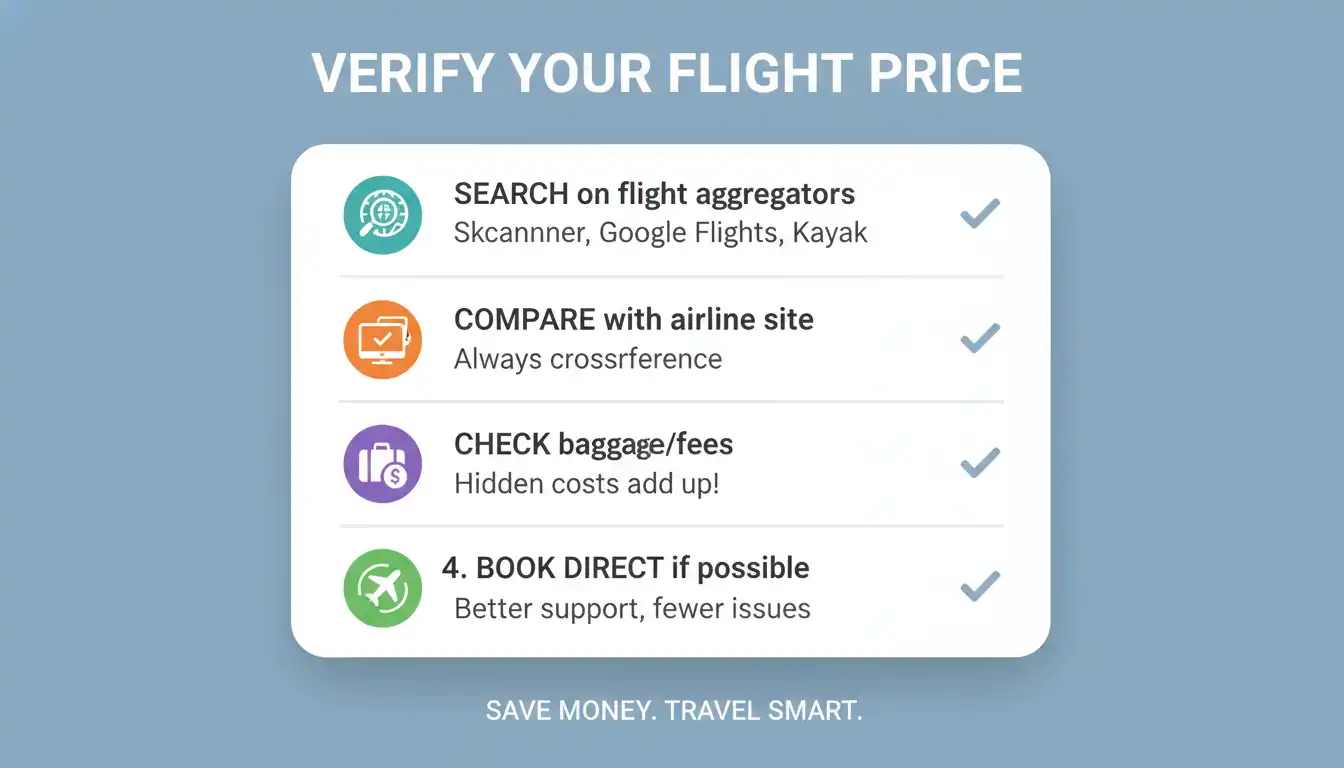
Unless you are traveling with a small backpack, do keep that in mind. Saving fifty dollars on your ticket means nothing if you end up paying one hundred dollars on the back end just to bring your bag on the plane.
Using Filters Correctly
A big mistake that people use with Google Flights is they forget to add how much luggage they are planning on taking. That will affect the prices as well.
For example:
- If you have zero luggage, you might see that Spirit Airlines is the cheapest option.
- When you get to Spirit and you add in your luggage, it might end up being more expensive than a different airline that has luggage included.
That is why it is always a good idea to add the number of pieces of luggage you have in the filter settings. Sometimes, when you add one bag, Spirit is still cheaper even with that one bag. But that’s not always the case. Sometimes another airline will become the cheapest airline.
If you are debating which luggage to bring to maximize these savings, you might want to check out our comparison on Away vs Samsonite to ensure your gear fits the airline’s requirements.
Mastering the Calendar and Date Grid
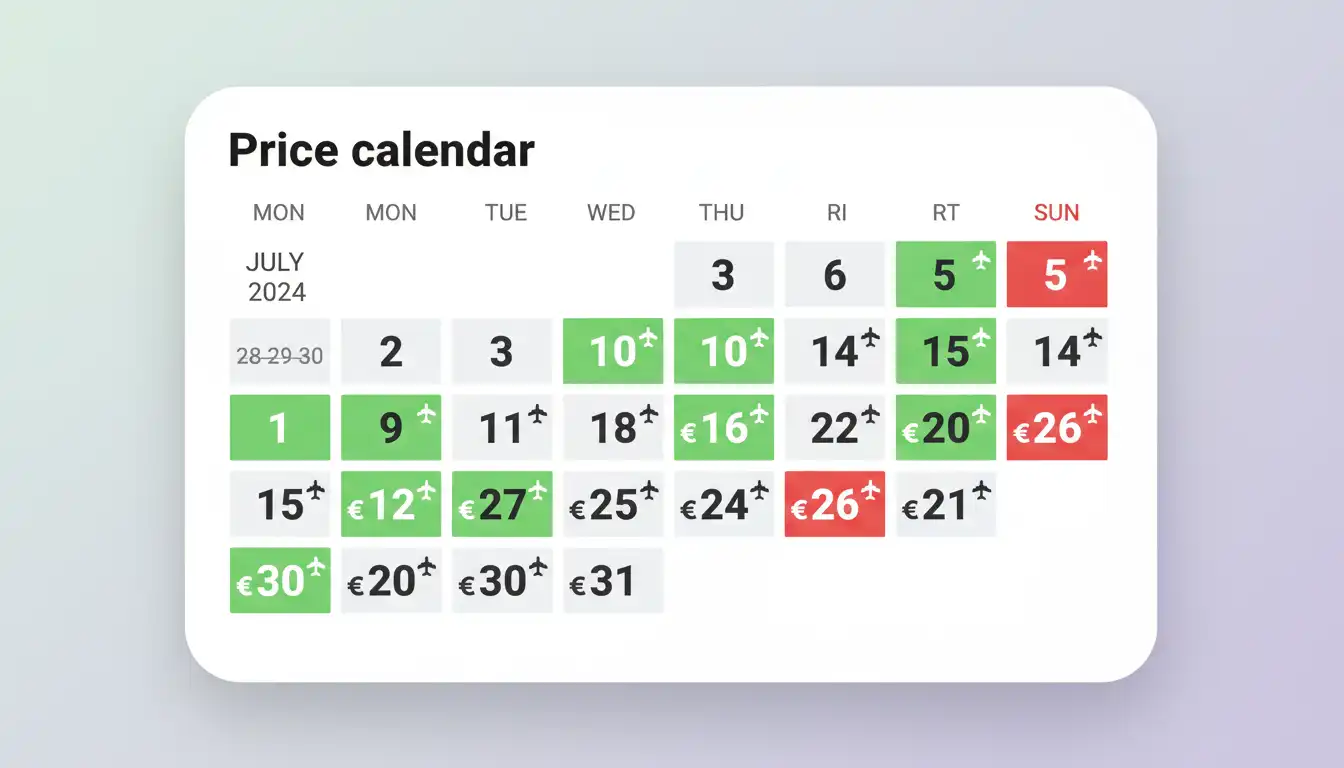
One of the most powerful features of Google Flights compared to any other search engine is that you can see the specific prices for two months at the same time. It is really easy to click through and see which dates are the cheapest dates.
However, the catch is this only works if you know how to use this calendar feature properly, which many people don’t.
The “Trip Length” Mistake
Let’s say you are searching for the cheapest day to go and you see a green mark that says $536, and that is the cheapest day that month. So, you click on that month and then you click your return date.
The problem here is: On this calendar view, you have to set how many days your trip is before you determine which day is the cheapest day. The price changes based on the number of days you are flying.
If you are only going on a 3-day trip, for example, the 20th might not be the cheapest day anymore. Now, it would be the 13th. You first have to make your original search on the first page, and then you have to go back into the calendar and adjust the number of days. Then you can find which is the cheapest one for your length of trip.
Historical Data
If you don’t have flexibility on your flights, you can scroll down a little bit further. Google Flights gives you some historical data on the cheapest and most expensive times to fly and what the normal ranges are to fly during those months.
You can see obviously that during December holidays it can be way more expensive. Right after summer vacation is a little bit lower. You can get an idea of what normal prices are.
Group Booking Secrets: Why You Should Book Solo
The next trick is while you’re searching for these flights, if you’re going in a group, it’s usually best to search for the flights one person at a time.
The reason for this is because when you search for a group, the airlines price it so that everyone’s ticket is the same price. They have different “seat buckets” when they price the flights.
How Seat Buckets Work:
Let’s say they have 10 seats that are at the cheapest price bucket, and then they have another 10 seats that are a little bit more expensive. If there are only two of the cheapest seats left and you are booking for four people, the system is not going to give you those two cheapest seats. It is going to book all four of you for the next level up—essentially charging everyone the higher price.
If you search one person at a time, then you can first fill in those cheaper seat buckets and then you only have to pay a couple of your tickets that are in the more expensive bucket.
The Risk:
The downside and risk of this, obviously, is that you will all be on separate tickets and itineraries. If the airline has to rebook everybody, they are not obligated to rebook all of you on the same flight. A trick to get around this is after you book your separate individual flights, you could call up the airline and ask them to link them together.
Is It Reliable? Comparing Google vs. Third-Party Sites
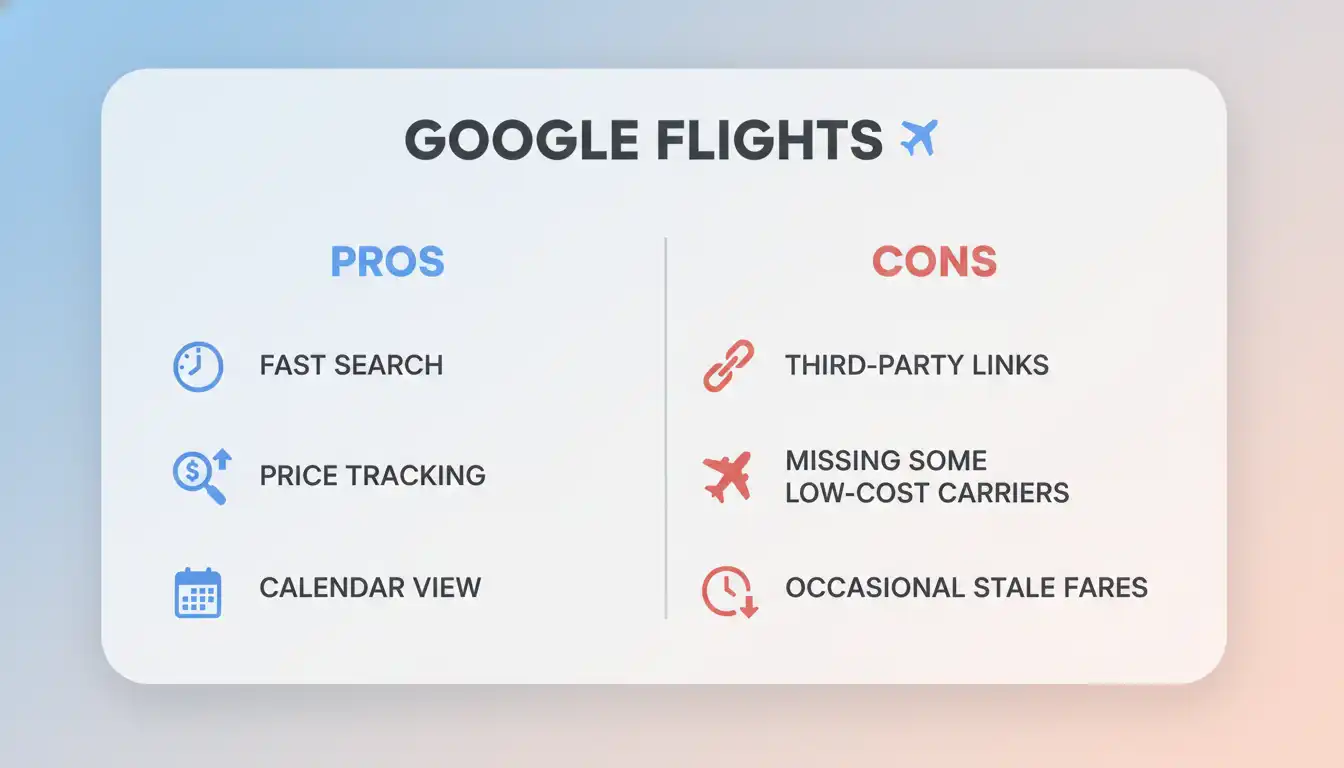
If we go to another tool called Momondo or Kayak, sometimes you can find a cheaper price. The reason it found a cheaper price is because you’re booking through a third-party platform.
The Risks of Third-Party Booking
This has extra risk. In some cases, it is just savings of a few dollars, and I personally wouldn’t do it. But sometimes, especially if you’re talking about more expensive tickets, the difference can be pretty big. In that case, it might be worth the risk.
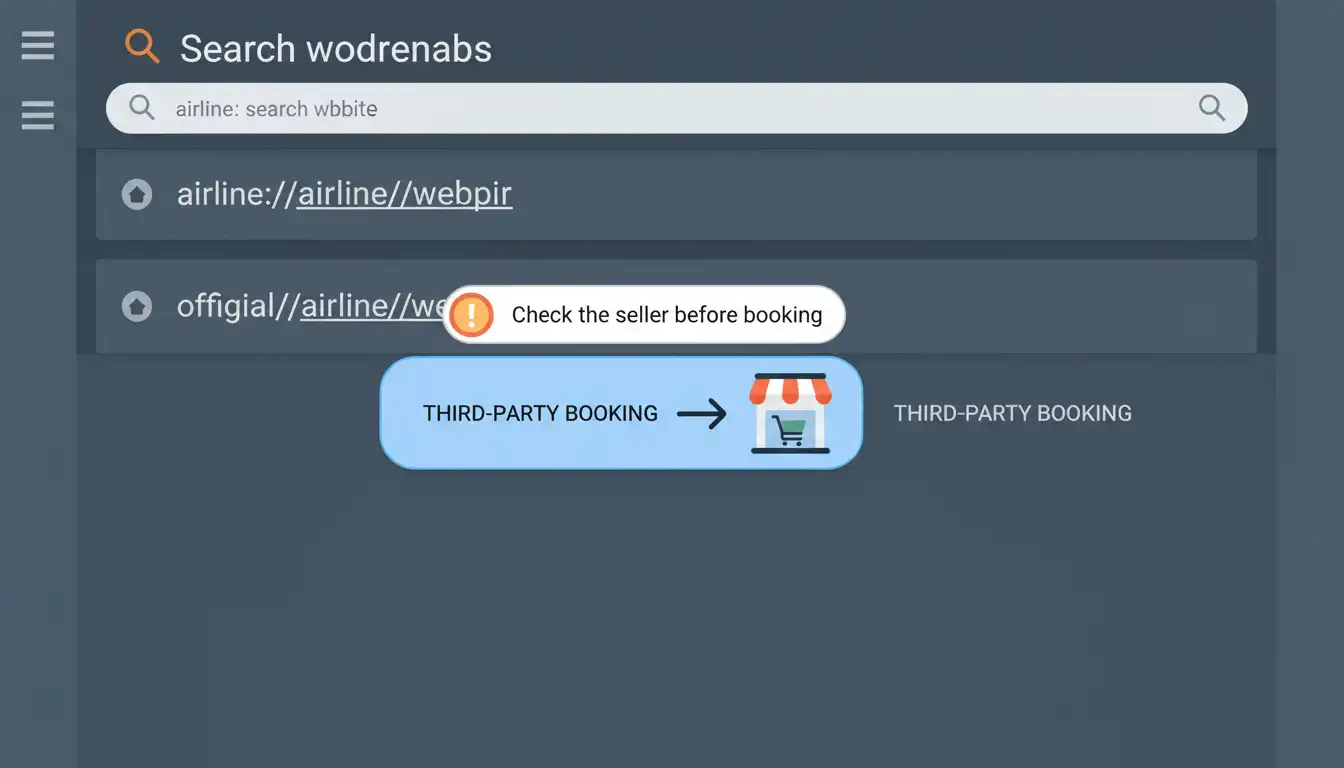
The risk being that if there are any cancellations or delays, or if you need to change your flight, you have to deal with the third party (like Momondo, eDreams, or Booking.com) instead of directly with the airlines. This can be a lot more hassle.
I personally have booked through Booking.com before and everything went okay, but other people have had bad experiences with third parties. It is always up to you if you want to take the risk.
In my opinion, it is always best to book directly with the airline when possible, even if it does cost a little bit more.
The “Cheapest” vs. “Best” Tab
Another thing you have to be careful about when in Google Flights is where you are looking for the cheapest flight.
When you search, Google might show you “Top Flights.” You might see a price of $60. But if you trust this, you could be missing something. I don’t know why they do this, but if you click over to the Cheapest tab, you can see that there are other flight options.
You might assume that these cheapest options are going to be ones that have super crappy layovers or tons of connections, but that is not always the case.
- Best Tab: Might show a 3-hour and 50-minute flight for $60.
- Cheapest Tab: Might show a budget airline non-stop flight for $43 that is only 1 hour.
So before you buy a flight, make sure to always first check over on this Cheapest tab. Sometimes there will be way worse flights, but sometimes there will be actually good flights there.
The Blind Spot: Airlines Not on Google Flights
I know this guide is about how to find the cheapest flights on Google Flights, but you can’t always trust Google Flights to get the cheapest prices possible. That’s because not every single airline around the world—especially budget airlines—is registered on these sites.
If you are doing a flight search, you may not even realize that some of these other airlines exist. For example, Southwest Airlines is a major carrier that often doesn’t show up. You need to know which airlines are not on Google Flights to ensure you aren’t missing a deal.
How to Find Missing Airlines:
- One quick way to check is to just do a Google search for “budget airlines” in whatever country you happen to be in at the time.
- Another way is going to the website kayak.com/direct. A lot of times, they will have most of the airlines listed there.
Comparison of Search Tools
Here is a breakdown of the tools mentioned and when to use them:
| Tool | Best Used For | Risk Level |
| Google Flights (Standard) | General search, specific dates, reliable direct booking. | Low |
| Google Flights (Explore) | Flexible destinations, positioning flights. | Low |
| Momondo / Kayak | Finding slightly cheaper prices via third parties. | Moderate |
| Skyscanner | Comparing global budget options. | Moderate |
| Daily Drop Pro / Going | “Easy mode” newsletter for deals delivered to your inbox. | Low |
The “Easy Mode” Alternative
If you can’t be bothered to search through all these sites and do all these different steps to spend hours searching for the cheapest flight possible, the easy mode alternative to doing this would be to sign up for a newsletter like Going or Daily Drop Pro.
They have experts scouring the internet every day and they will find the absolute cheapest flights and airfares personalized to your home airport that you set and the destinations you are interested in. Then they send all these directly to your email inbox, so you don’t have to do any searching yourself.
Each of these newsletters has a free version that will send you a limited amount of deals so you can just test it out. I would test both of them out just to see which one you like better because they each offer a little bit different features.
Advanced Tips for the Pro Traveler
The Goldilocks Window
You should be booking in those “Goldilocks Windows.” These are typically:
- 1 to 3 months in advance for domestic flights.
- 2 to 8 months in advance for international flights.
If you are flexible and use the basic search tips we covered, more than likely you are going to get at least a half-decent deal.
Credit Card Portals & Insurance
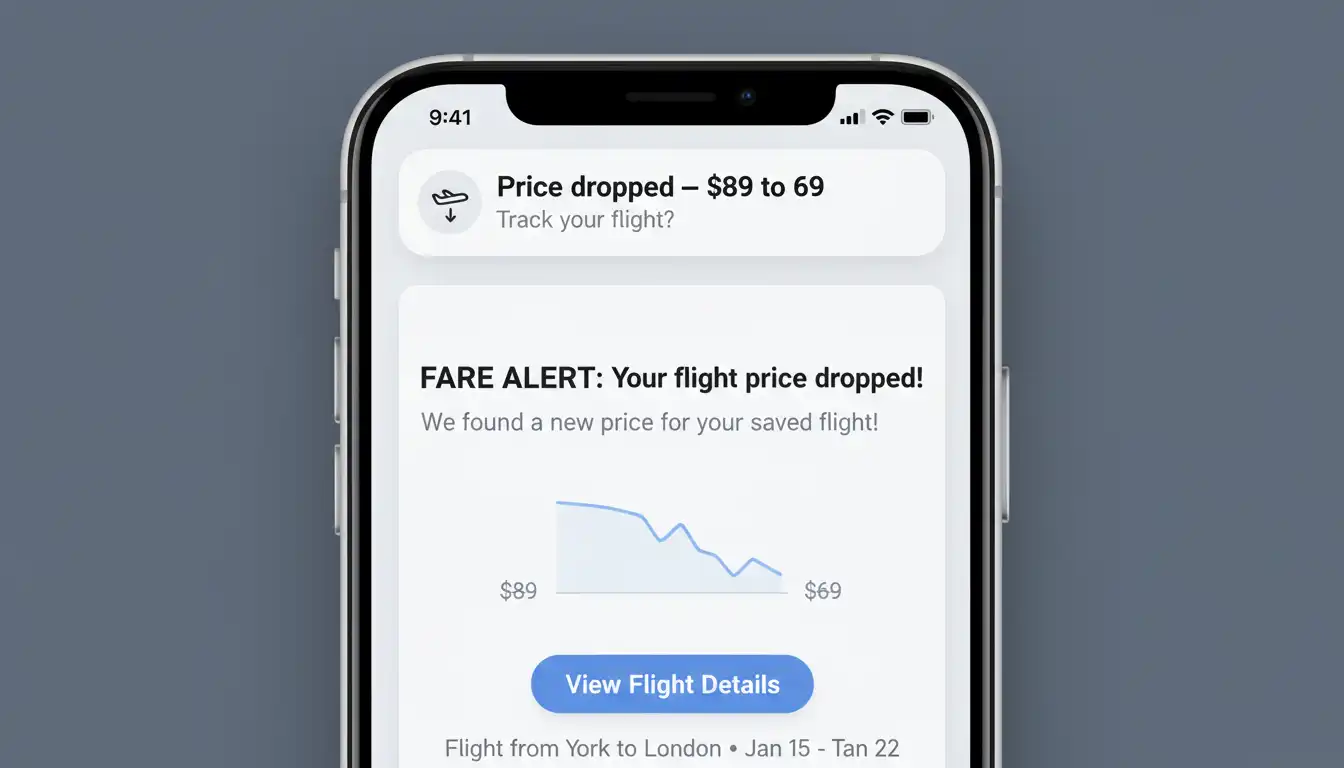
Always check your different credit card travel portals to see if you can get a better price or deal through them. This is especially true if you hold a premium travel credit card that will earn you a ton of points when booking directly.
Another benefit is the travel insurance that many of them offer. I can think of several times personally where I had a huge flight delay or cancellation and was stranded overnight. I was able to get a free hotel and a nice meal not because the airline helped me out, but because of the travel insurance that was offered by the credit card that I booked that flight with.
Don’t Obsess Over Perfection
My last tip for you is more just a word of advice: Do not get so hung up on snagging the best amazing deal possible that you ultimately end up booking nothing.
There are all kinds of theories about using Incognito tabs or changing your location with a VPN. While there might be some truth to some of those strategies, in my opinion, if you are a little bit flexible and use these search tips, you will be fine.
Summary Checklist for Reliable Savings
To ensure you are using Google Flights reliably and getting the actual best price, follow this mental checklist:
- Use the Explore Tab: Don’t just search for your final city; search for the continent.
- Check Luggage Filters: Always add your bags to the search to see the real price.
- Adjust Trip Duration: Fix the day count in the calendar view to see accurate green dates.
- Search for One Person: Avoid the “group pricing bucket” trap.
- Check the “Cheapest” Tab: Don’t just look at the default results.
- Verify Missing Airlines: Check if local budget carriers are missing from the search results.
Learning how to search for cheap flights on Google Flights can save you a lot of money, but really you’re leaving money on the table if you don’t have an overall strategy. By using these underrated strategies, you can stop overpaying and start traveling more for less.